
Waveforge
A downloadable game for Windows and Linux
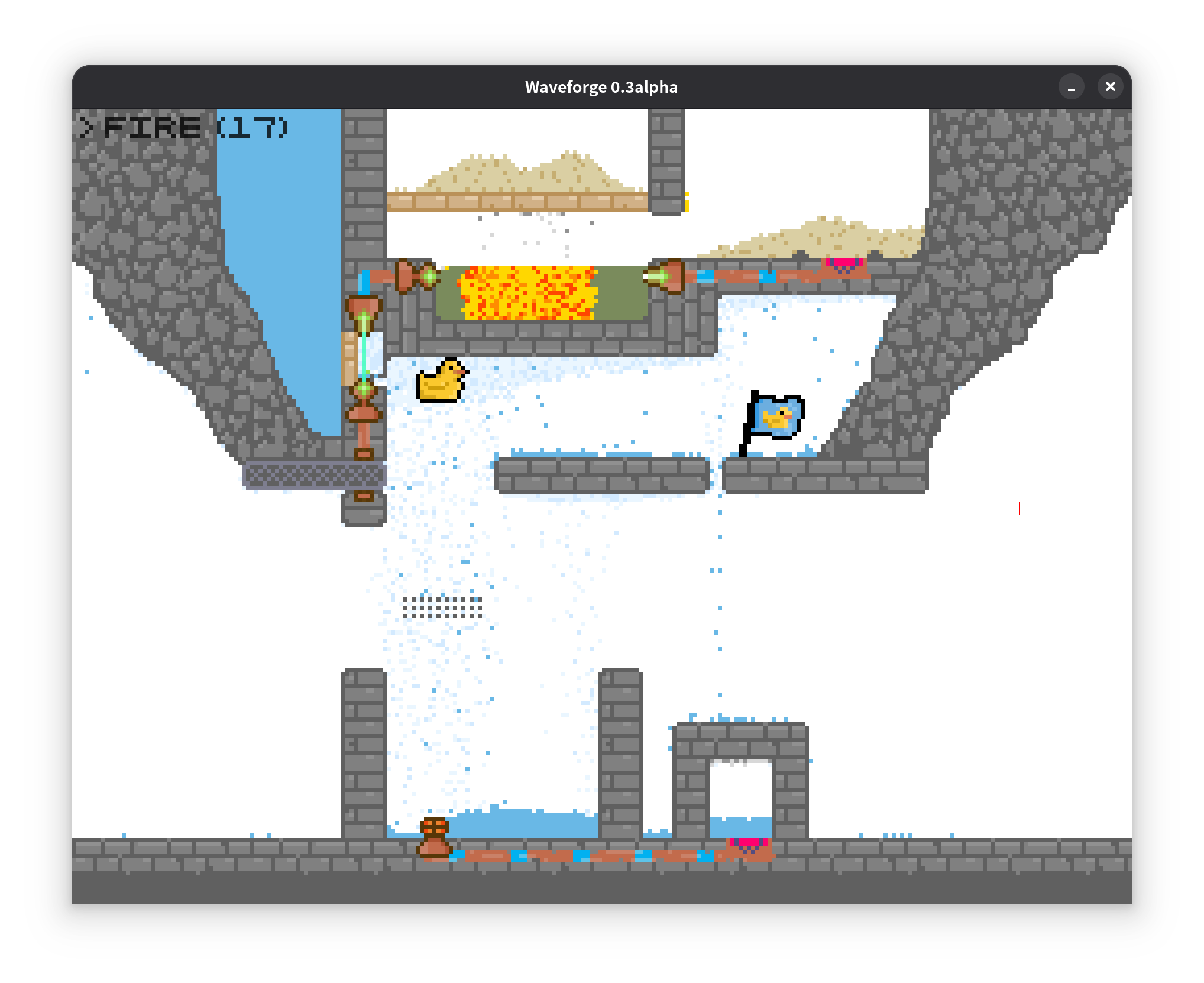
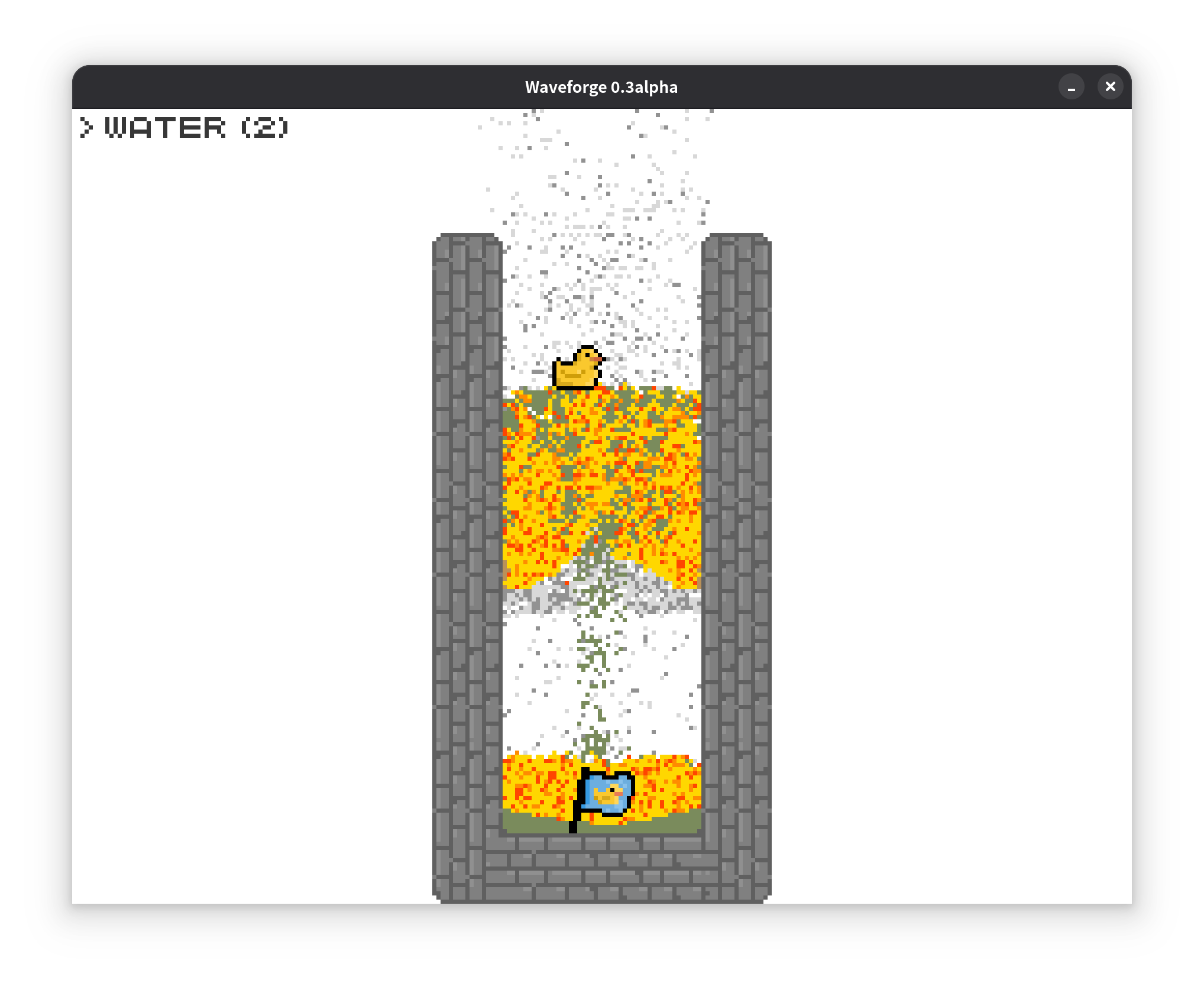
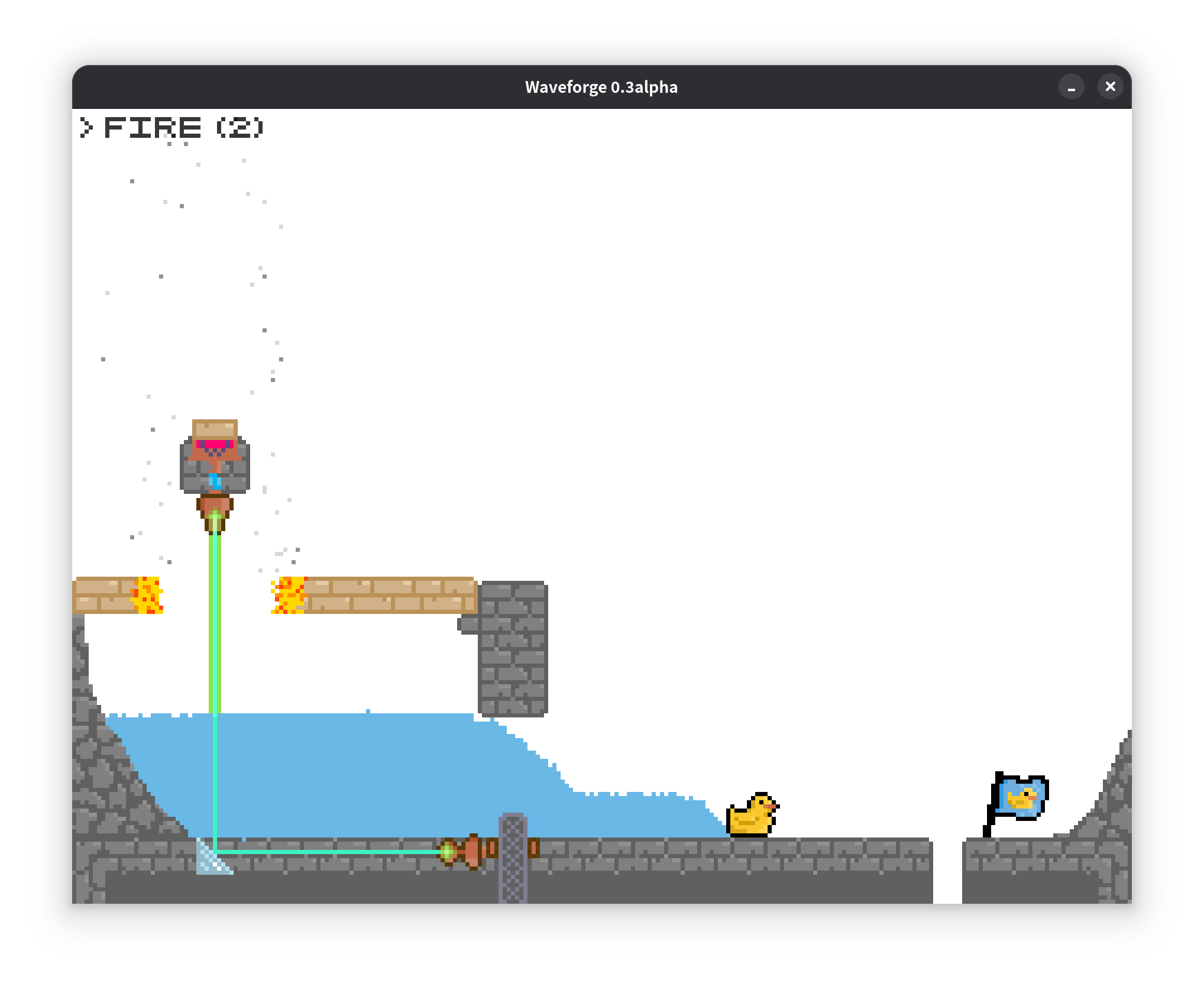
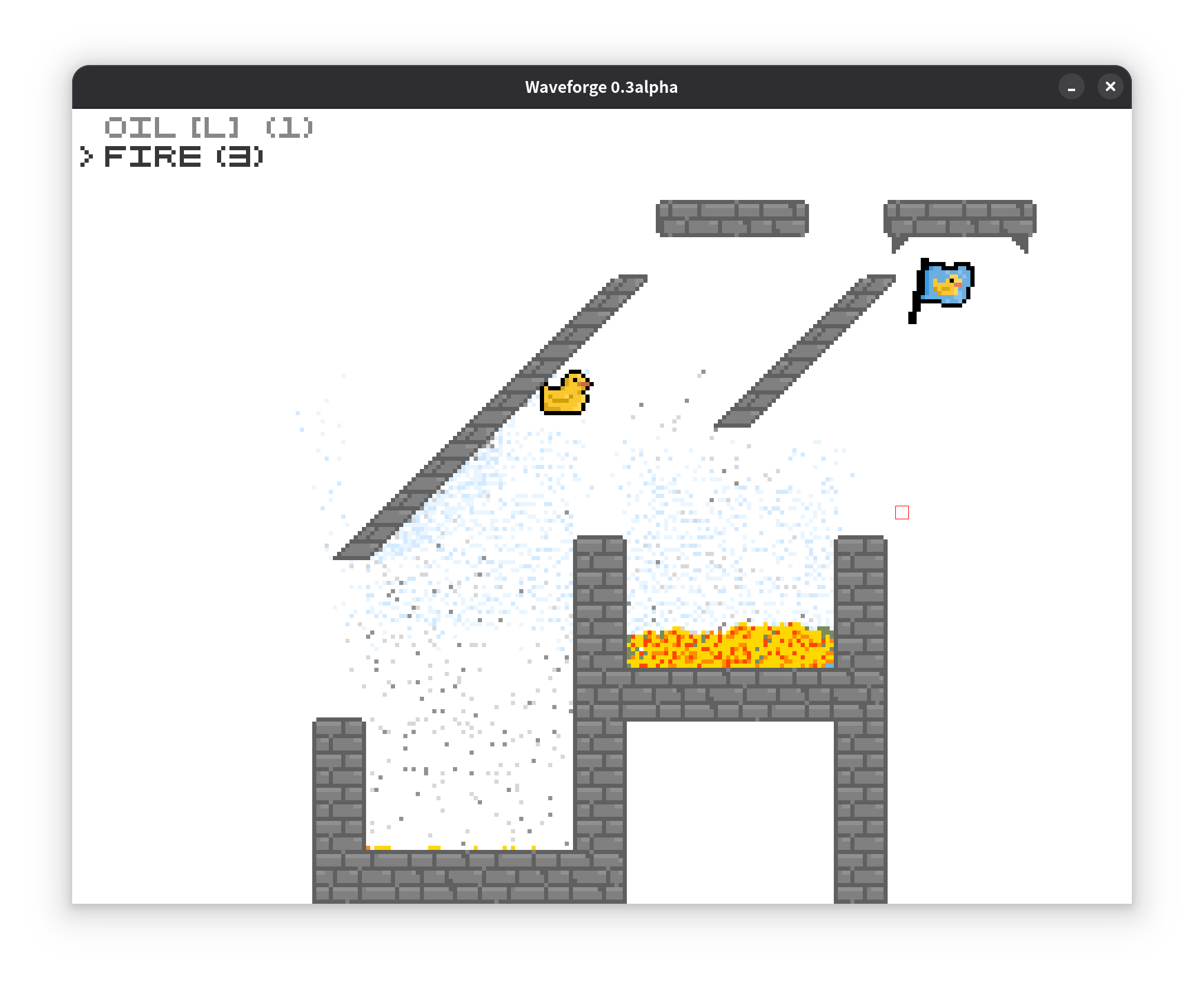
Waveforge is a 2D physics-based puzzle game where players manipulate water waves and emergent physical phenomena to guide a rubber duck to the goal. Set within a meticulously crafted pixel-art physics world reminiscent of Noita, it invites players to experience uniquely engaging physical interactions. Featuring over ten thoughtfully designed levels, the game delivers about 1 hour of delightfully challenging puzzle-solving gameplay.
Controls
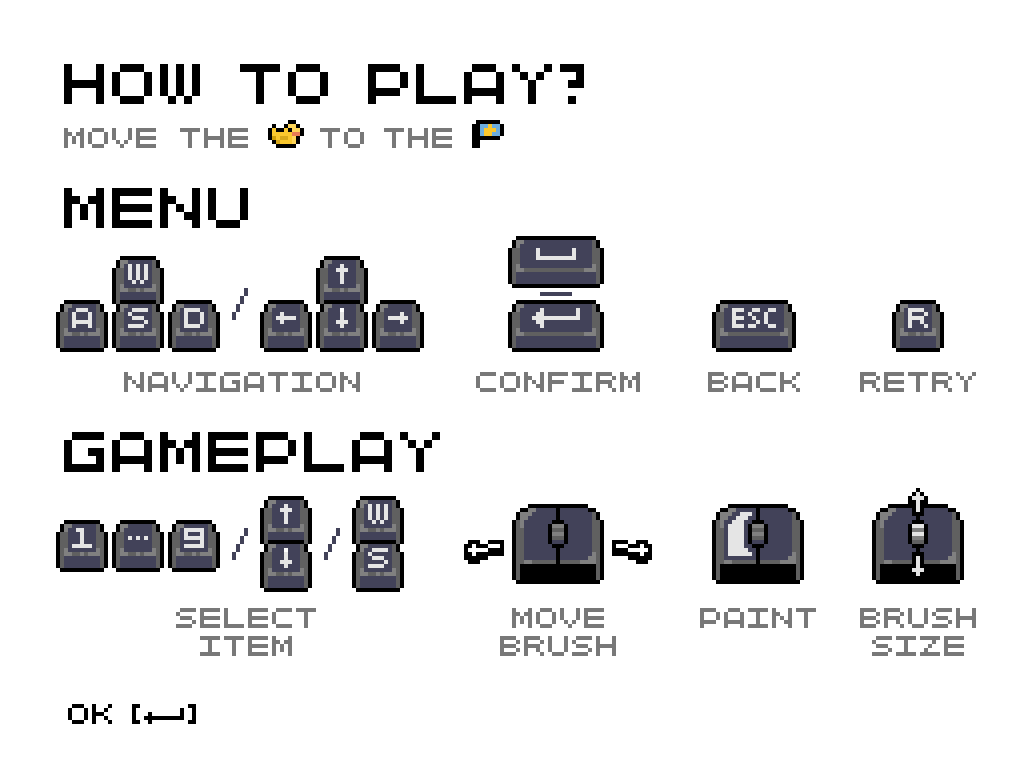
In Levels:
- Left Click: Place selected tool
- Mouse Wheel: Adjust item brush size
- W / Up Arrow: Previous item
- S / Down Arrow: Next item
- 1-9: Direct item selection
- R (Double-tap): Retry level
- ESC: Pause game
In Menus (Keyboard-Only Navigation)
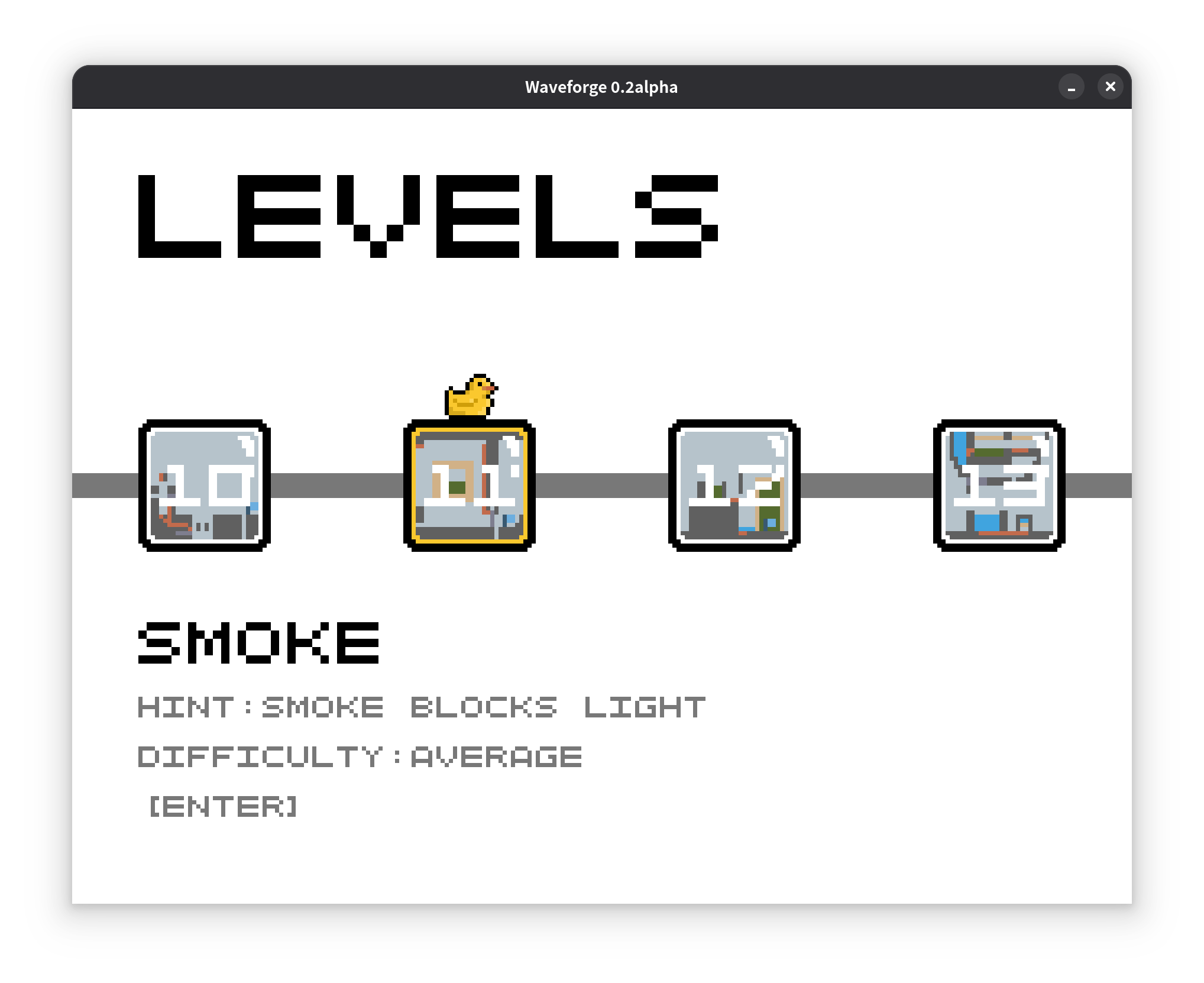
- WASD / Arrow Keys: Navigate UI
- Space / Enter: Confirm selection
- ESC: Go back
Pro Tip: Play with sound enabled! Audio cues make animations feel responsive. (Can skip animations in Settings if preferred)
FAQ
Where can I find the source code for this project?
The full source code is available on GitHub. You can find it here: https://github.com/szdytom/waveforge. Please consider giving us a star if you enjoyed the game.
I get an error about a missing msvcrt.dll (or similar). How do I fix this?
This error means your system is missing the required Microsoft Visual C++ runtime libraries, which the game needs to run.
Most Windows computers already have this installed. If yours doesn't, you can download the latest installer directly from Microsoft.
Solution: Please download and install the latest "v14" (for Visual Studio 2017–2026) version from this official page: Latest Supported Visual C++ Redistributable.
On Linux, I get an error like "libxrandr.so.2 not found". What should I do?
Creating a single executable that works on all Linux distributions is challenging due to varying system libraries. This error indicates a missing dependency.
Here are your best options to resolve this:
-
Install the Required Libraries: The most straightforward solution is to install the missing package. The command varies by distribution:
- On Ubuntu/Debian: sudo apt install libxrandr2 libgl1-mesa-dev libxi-dev libxcursor-dev
- On Arch Linux: sudo pacman -S libxrandr lib32-libxrandr
- On Fedora: sudo dnf install libXrandr mesa-libGL-devel libXi-devel libXcursor-devel
-
Build from Source (Recommended for Advanced Users): If the above doesn't work, the most reliable method is to compile the game on your system. This ensures all dependencies are met.
- Clone the repository: git clone https://github.com/szdytom/waveforge
- Follow the build instructions in the project's README.md file.
- Use the Windows Version with Wine: As an alternative, you can download the Windows release and run it using Wine, this is tested to work well.
I'm stuck on the main menu. I clicked "Start" but nothing happens!
The game's menu is navigated using the keyboard, not the mouse. Please refer to the "Controls" section for more details. In general, you should
- Use W/A/S/D or the Arrow Keys to highlight menu options.
- Press Enter or Space to confirm your selection.
A specific level is too difficult for me. Can I skip ahead to try the next one?
We understand that some puzzles can be challenging! For the purposes of game jam evaluation and to ensure players are never permanently stuck, we've included a way to unlock all levels.
If you wish to proceed, you can unlock the entire game from the settings menu by typing xyzzy. This will give you access to all levels.
Additionally, if you're looking for hints or want to see how others have solved a puzzle, we encourage you to visit the community discussion board to share and compare solutions.
Team Members
- Code: fang_erj
- Music & SFX: stevvven
- Art: ZTL-UwU
Acknowledgements
We thank zurry for their inspiring thoughts on gameplay, mechanics, and level design. We would also like to thank RitaRossweisse301 for early testing and feedback.
We also thank these open source projects:
- microsoft/proxy: C++20 library for "Next Generation Polymorphism"
- SFML: Simple and Fast Multimedia Library
- cpptrace: C++ stack trace library
- Aseprite: Pixel art creation tool
Download
Click download now to get access to the following files:
Development log
- Waveforge 0.4 (Game Jam Submission Version)Dec 01, 2025
- 0.3a (1127 preview)Nov 27, 2025
Leave a comment
Log in with itch.io to leave a comment.